
Tutorial 5 - Connecting the Sub-systems
Page 4 of 5
Connecting the sub-systems
1. Close, or “collapse”, all the sub-systems.
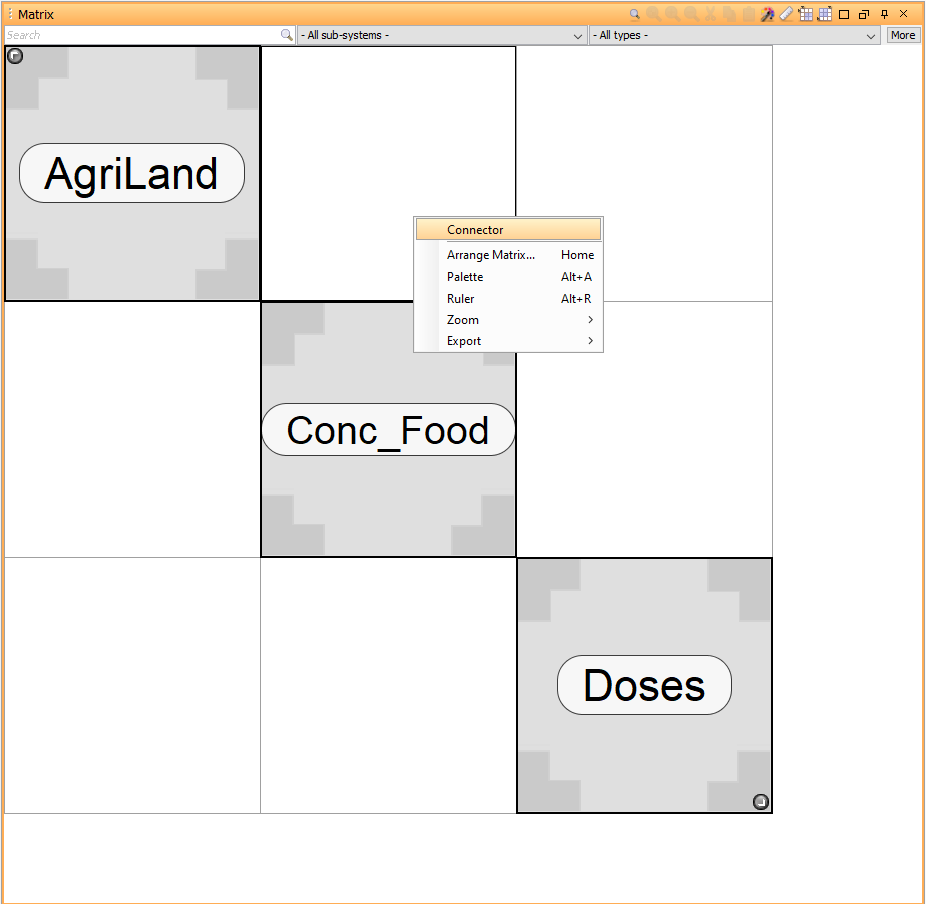
2. Add a Connector block in the off-diagonal cell connecting Agricultural Land with Concentrations in Food.
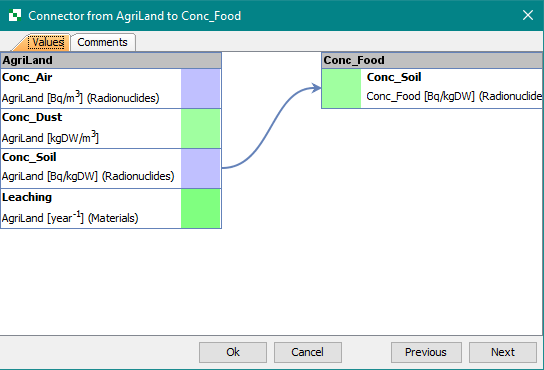
3. Edit the Connector and connect the Conc_Soil block in the sub-system AgriLand to Conc_Soil - Conc_Food.
4. Add a Connector block in the off-diagonal cell which connects Agricultural land with Doses.
5. Edit the Connector and click the Values tab. Connect Conc_Soil-AgriLand and Conc_Soil-Doses.
6. Add a Connector block in the off-diagonal cell which connects Concentrations in Food with Doses.
7. Edit the Connector and connect Conc_Crops-Conc_Food with Conc_Crops-Doses.
Running a simulation
Follow the steps below to run a simulation and see if the connections have been made:
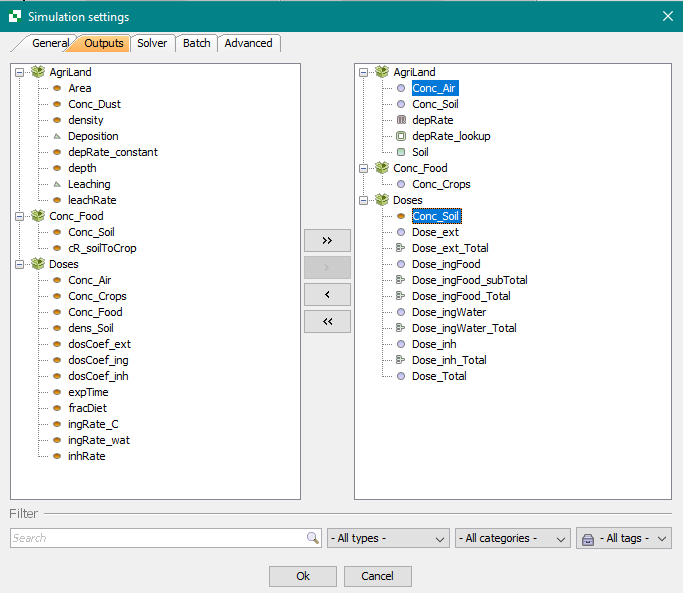
1. Add both Conc_Soil-AgriLand and Conc_Soil-Doses to the list of outputs in Simulation Settings.
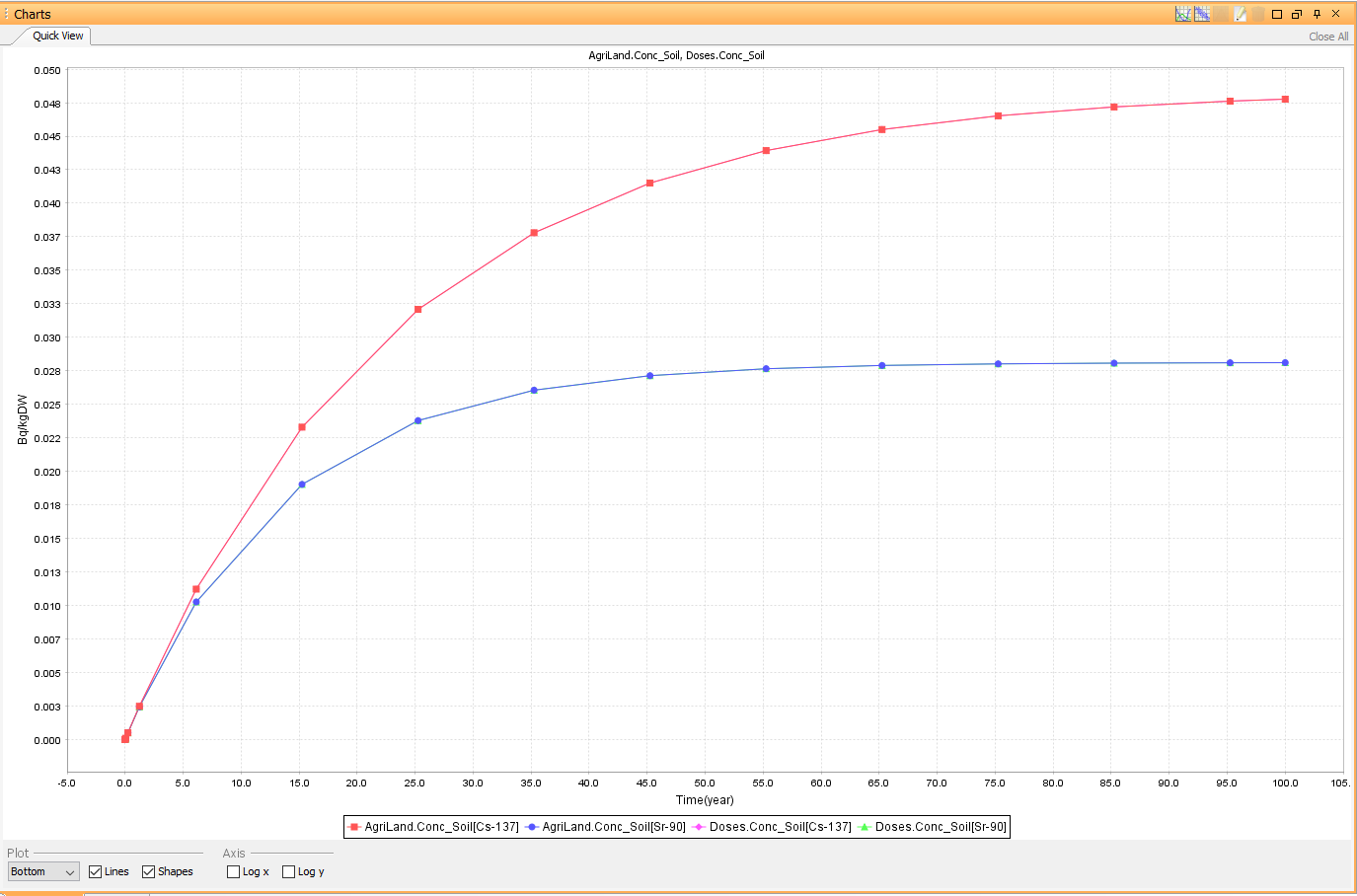
2. Run a new simulation and plot these two outputs in the same graph. If Conc_Soil (AgriLand) and Conc_Soil (Doses) are connected the outputs should be identical.
Next
Previous
References